
iPhone Overheating in Nigeria? Causes, Fixes and When to Worry
Is your iPhone getting hot in Nigeria? Learn why your iPhone overheats, how hot weather, charging, gaming and apps contribute, and what to do before it becomes a serious problem.

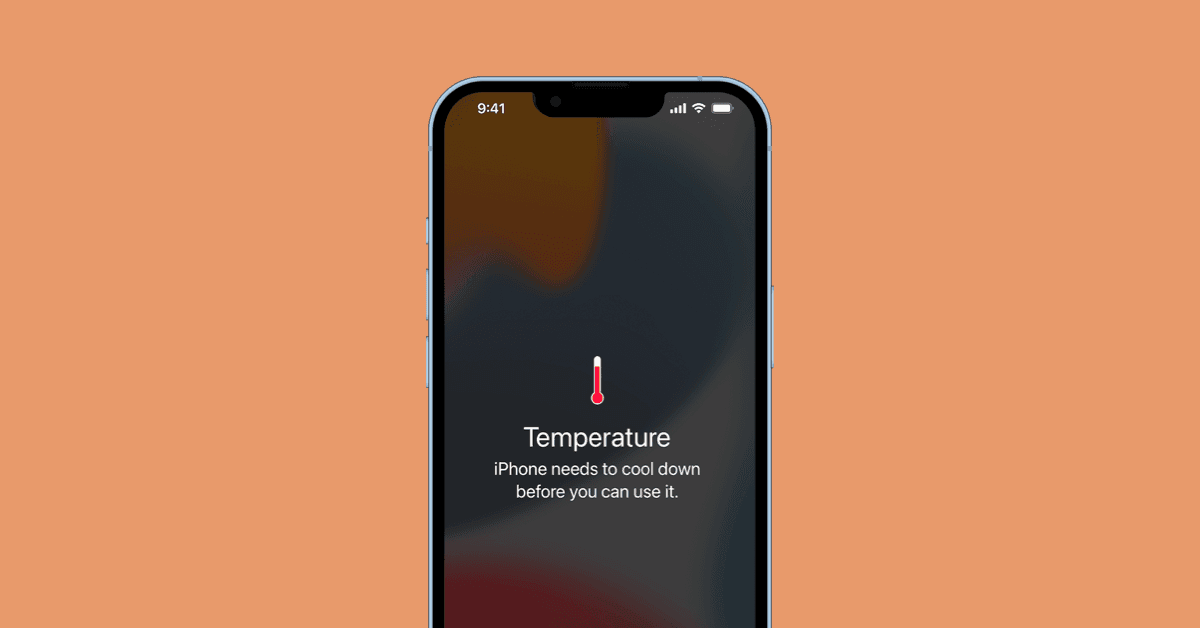
How to Fix your iPhone from Overheating
If your iPhone has started feeling unusually hot, especially while charging, using mobile data or sitting outside in Nigeria's heat, you're not alone. An iPhone becoming slightly warm during heavy use isn't necessarily a problem. The concern starts when the phone becomes uncomfortably hot, performance drops, charging slows or stops, the display dims, or you receive a temperature warning.
Nigeria's warm climate can make the problem more noticeable, but the weather isn't always the only reason. Here's what could be happening and what you can do about it.
Why Does My iPhone Get Hot?
There are several common reasons.
1. Nigeria's Hot Weather
Your iPhone already produces heat when its processor, modem and battery are working. When you're using the phone in a hot environment, there is less opportunity for that heat to escape.
Leaving your iPhone:
Inside a parked car
Under direct sunlight
On a hot surface
Inside a thick case
On a bed while charging
can make the temperature rise considerably faster. Never deliberately put your iPhone in a refrigerator or freezer to cool it down. Rapid temperature changes and condensation can cause additional problems.
2. Using Your iPhone While Charging
This is one of the most common situations where users notice their iPhone getting hot. Charging already generates some heat. If you're simultaneously:
Playing games
Watching YouTube
Using TikTok
Making a video call
Using GPS navigation
Downloading large files
the processor and display are also working heavily. The result can be a noticeably hotter phone.
What to do
If your iPhone becomes very warm while charging, give it a break. For particularly demanding tasks, consider allowing the phone to charge without actively using it.
3. Gaming Can Generate a Lot of Heat
Graphics-intensive games put considerable demand on the processor and GPU. This becomes more noticeable when you're playing while:
Charging
Using 5G/mobile data
Increasing screen brightness
Sitting outdoors
If your phone becomes extremely hot during gaming, stop playing temporarily and allow it to cool naturally.
4. Some Apps Can Keep Your iPhone Working
An app that continuously uses location, the camera, GPS, mobile data or background processing can contribute to heat and battery drain.
If you suddenly notice:
"My iPhone is hot and the battery is dropping quickly."
check which apps are consuming the most battery.
Go to:
Settings → Battery
Look at the activity over the last 24 hours.
If one application is consuming an unusually large amount of battery, consider updating it or temporarily removing it to see whether the problem improves.
5. Poor Network Signal Can Make Your Phone Work Harder
This is particularly relevant when travelling around areas with inconsistent mobile coverage. When your iPhone struggles to maintain a cellular connection, it may continuously search for a stronger signal. You could try switching to WiFi connection which drastically reduce your phone from overheating.
You may notice:
Poor signal + mobile data + hot environment = more battery consumption and potentially more heat.
If you're somewhere with extremely poor coverage and don't need to receive calls or messages temporarily, Airplane Mode can reduce unnecessary network searching.
6. Your Charger or Cable Could Be the Problem
Not every charging accessory is equal. A damaged cable, poor-quality adapter or incompatible charging accessory can contribute to charging problems and excessive heat. If your iPhone becomes unusually hot every time you connect a particular charger, stop using that charger and test with a reliable, compatible charging setup.
Don't ignore burning smells, damaged cables, melted connectors or abnormal heat around the charging port.
7. Your Phone Case Could Be Trapping Heat
Cases are useful for protecting your iPhone, but some thick cases can make heat dissipation more difficult. If your phone gets hot during charging, try removing the case temporarily. If the temperature improves significantly, the case may be contributing to the problem.
What Should You Do When Your iPhone Gets Very Hot?
If your iPhone is unusually hot, follow these steps:
Step 1 — Stop demanding tasks
Close the game, video call, navigation or other intensive activity.
Step 2 — Disconnect the charger
If the phone is charging and becomes excessively hot, unplug it.
Step 3 — Move it away from direct sunlight
Put the phone somewhere cool, dry and shaded.
Step 4 — Remove the case
This can help the phone release heat more easily.
Step 5 — Give it time
Don't immediately start gaming or streaming again just because the outside of the phone feels cooler. Allow the device to return to a normal temperature.
Step 6 — Check the battery
Go to:
Settings → Battery → Battery Health & Charging
Look for unusual battery behaviour or significantly degraded battery health.
What Happens When an iPhone Gets Too Hot?
Your iPhone has built-in thermal protection. When its temperature becomes too high, you may experience:
Reduced performance
Slower charging
Display dimming
Camera flash becoming unavailable
Apps behaving differently
Temporary shutdown
A temperature warning on the screen
These aren't necessarily signs that your iPhone is permanently damaged. They're mechanisms designed to protect the device.
When Should You Actually Worry?
Occasional warmth isn't necessarily a reason to panic. But you should investigate the problem if your iPhone regularly becomes extremely hot during light use.
For example:
You're simply browsing WhatsApp, reading messages or making a normal phone call, yet the phone becomes extremely hot within a short period.
That's different from a phone becoming warm after an hour of intensive gaming. Also pay attention if overheating is accompanied by:
Rapid battery drain
Unexpected shutdowns
Battery swelling
Screen lifting from the frame
Charging problems
Burning smell
Repeated temperature warnings
If you notice battery swelling or physical deformation, stop using and charging the device and seek professional service.
Why iPhone Users in Nigeria Should Pay Extra Attention
Nigeria's climate means your phone may already be operating in a warm environment before you start using it heavily.
Combine that with:
Hot weather + direct sunlight + mobile data + gaming + charging + high brightness
and your iPhone can become significantly warmer than it would under lighter conditions. This is particularly important for people who use their phones outdoors for long periods, including:
Content creators
Delivery workers
Drivers
Students
Remote workers
Social media users
Mobile gamers
Final Verdict
An iPhone getting slightly warm doesn't automatically mean something is wrong. However, an iPhone that repeatedly becomes extremely hot — especially during normal tasks — shouldn't simply be ignored.
For Nigerian users, hot weather can amplify normal heat generated by charging, gaming, mobile data and demanding apps. The best approach is simple: reduce the workload, move the phone away from heat, let it cool naturally and investigate the cause if the problem keeps returning. And if your iPhone is showing signs of battery damage such as swelling, unusual smells or repeated overheating, don't hand it to just any phone repairer. Get it assessed by someone experienced with Apple devices.
Advertisement
Responsive
Related Articles
WhatsApp Keeps Freezing on iPhone? Here's How to Fix It 2026
Is WhatsApp hanging, freezing, or crashing on your iPhone? Learn the most effective ways to fix slow WhatsApp performance, especially on 64GB and 128GB iPhones running low on storage.
MacBook Screen Goes Black When You Open It Wide? It Might Not Be the Motherboard (Flexgate Explained)
If your MacBook screen works only at certain angles or goes black when you open the lid fully, you may be dealing with the Flexgate display issue—not a motherboard fault. Here's what you need to know before paying for repairs.
iCloud Storage vs iPhone Storage: Why Paying for iCloud Doesn't Automatically Free Your Phone
Confused about iCloud and iPhone storage? Learn the difference, why buying iCloud doesn't automatically free your iPhone, and how to use Optimize iPhone Storage correctly.
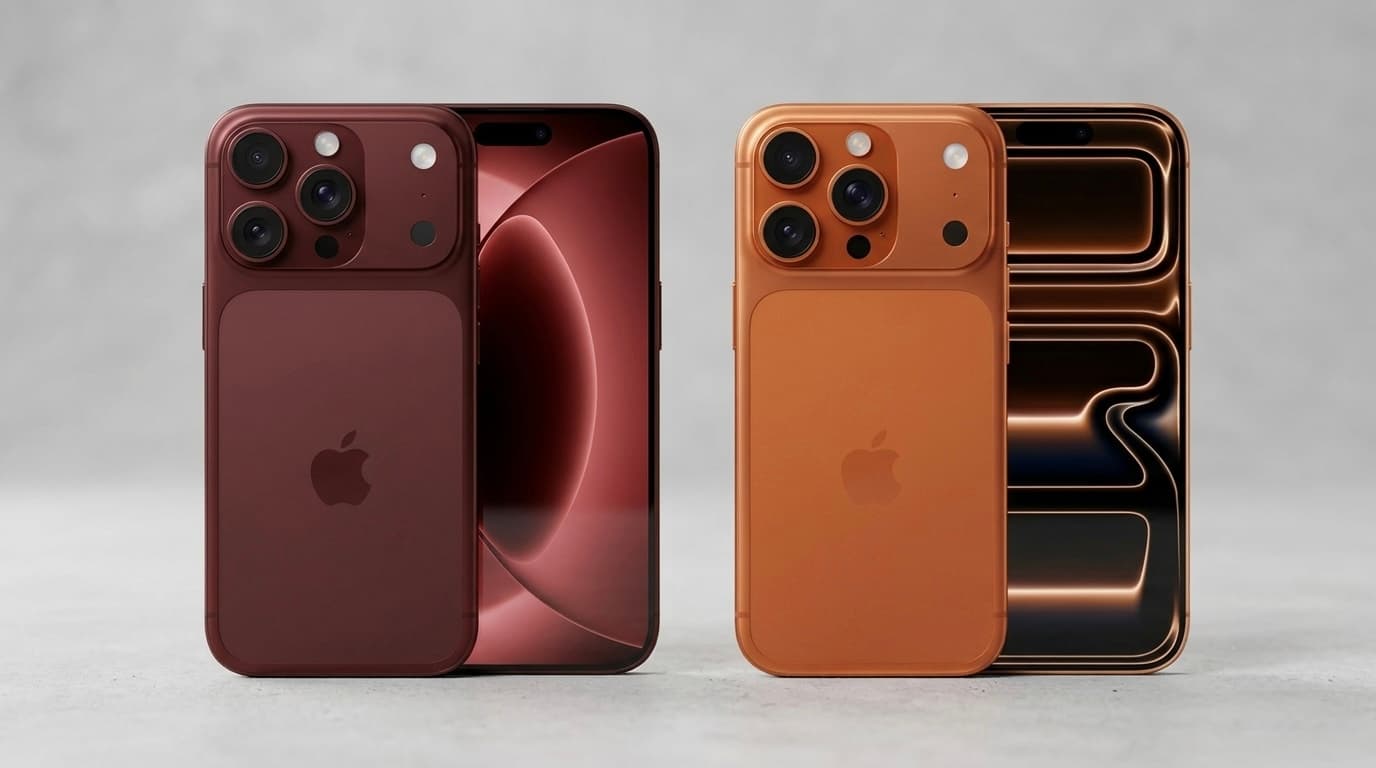
iPhone 17 Pro Max vs iPhone 18 Pro Max: Price & Specs Comparison in Nigeria
iPhone 17 Pro Max vs iPhone 18 Pro Max: compare price, display, cameras, battery, performance and features to see whether Nigerians should buy the 17 Pro Max or wait for the iPhone 18 Pro Max.
Upgrading from iPhone XR to iPhone 17 Pro Max? How to Spot a Fake Before You Pay
Upgrading from iPhone XR to iPhone 17 Pro Max? Learn how to spot a fake iPhone 17 Pro Max, check the model number, display, cameras, Face ID, USB-C and other red flags before buying.

AirPods vs Wireless Earbuds in 2026: Which One Should You Buy in Nigeria?
Thinking of buying AirPods or another wireless earbud? Compare Apple AirPods with Samsung Galaxy Buds, Nothing Ear, Redmi Buds and more. Find out which offers the best value for Nigerians in 2026.

iPad vs Samsung Galaxy Tab: Which Tablet Should You Buy in Nigeria? 2026 Comparison Guide
Trying to choose between an Apple iPad and a Samsung Galaxy Tab? Compare prices in Naira, performance, battery life, display quality, and discover which tablet is best for students, professionals, artists, and gamers.
Advertisement
728x90
Comments (0)
Leave a comment
Comments cannot be edited or deleted after posting. Please review your comment before submitting.
No comments yet. Be the first to share your thoughts!