
MacBook Screen Goes Black When You Open It Wide? It Might Not Be the Motherboard (Flexgate Explained)
If your MacBook screen works only at certain angles or goes black when you open the lid fully, you may be dealing with the Flexgate display issue—not a motherboard fault. Here's what you need to know before paying for repairs.
Adebayo Johnson
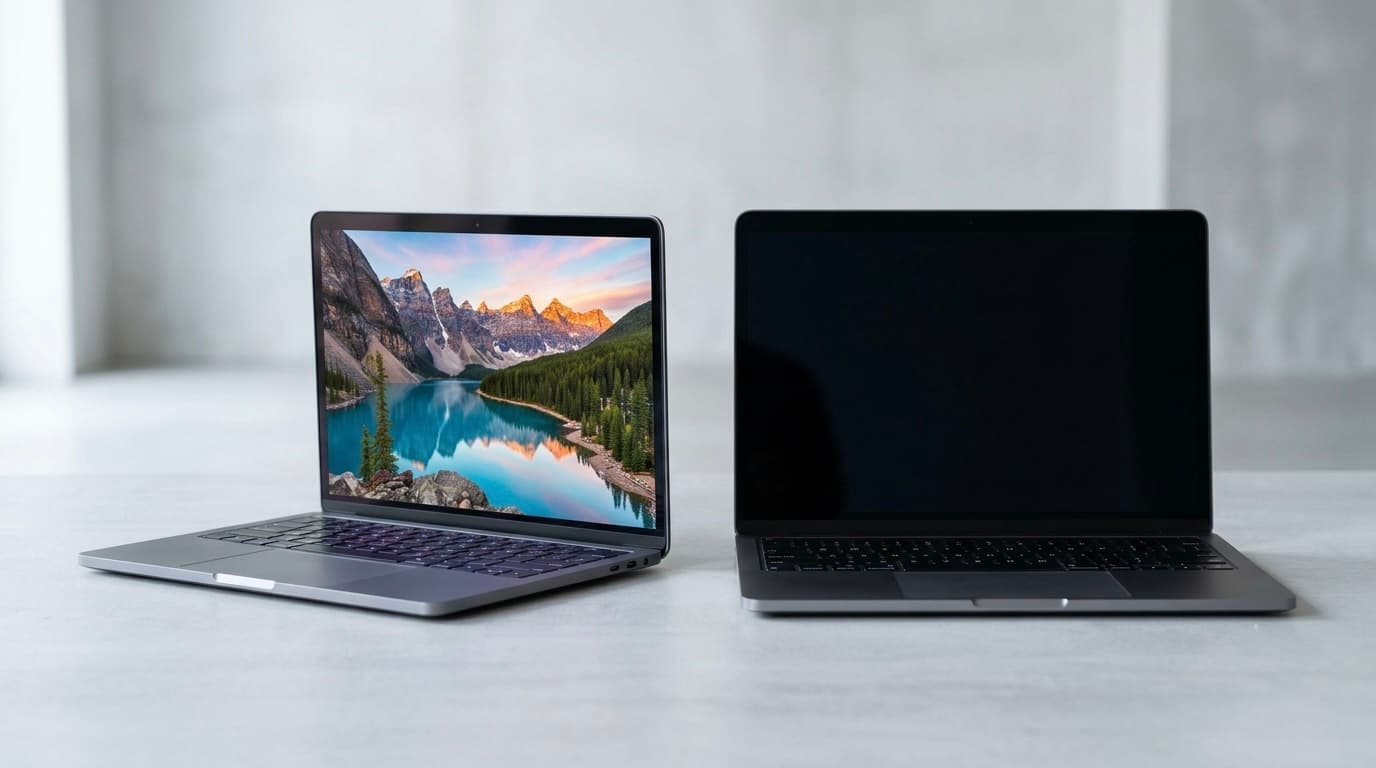
Does Your MacBook Screen Go Black When You Open the Lid?
One of the most common Google searches from MacBook owners is something like:
My MacBook screen goes black when I open it fully.
MacBook screen works only at a certain angle.
MacBook display turns off when I open the lid wider.
MacBook screen light disappeared but the laptop is still running.
If this sounds familiar, there's a good chance you're dealing with a well-known hardware problem called Flexgate, not necessarily a damaged motherboard. Flexgate is caused by wear in the display flex cable that connects the screen to the logic board and is most commonly associated with certain 2016 and later MacBook Pro models.
What Is Flexgate?
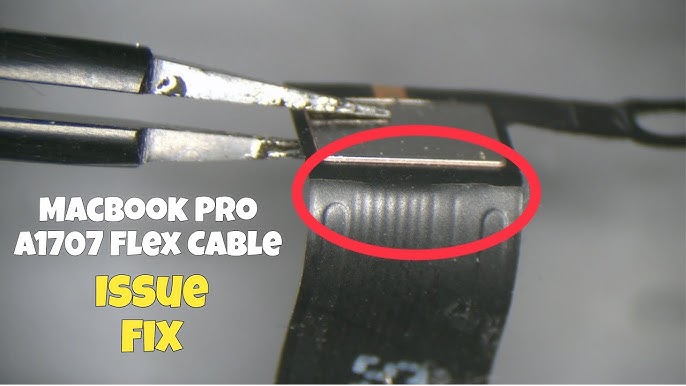
Flexgate is a display hardware issue caused by a fragile display flex cable inside some MacBook models.
Every time you open and close the lid, this cable bends slightly. After years of normal use, the repeated movement can cause the cable to weaken or tear.
Common symptoms include:
Screen goes black when opened beyond a certain angle.
Display works normally if the lid is only partially open.
Flickering screen.
Uneven lighting at the bottom of the display (often called the "stage light effect").
Backlight failure while the laptop itself is still running.
It's important to understand that this is not a software issue. Reinstalling macOS or resetting your Mac won't fix a damaged display cable.
Why Many MacBooks Get Misdiagnosed in Nigeria
One challenge for MacBook owners in Nigeria is that there are no official Apple Stores offering Genius Bar repairs in Lagos. As a result, many people rely on independent repair technicians.
Unfortunately, not every technician specializes in Apple hardware.
We've seen cases where users are told:
"It's the motherboard."
"The graphics chip is bad."
"The laptop needs board reballing."
In some situations, these repairs are unnecessary and can make the problem worse if the actual fault is the display assembly.
Because Flexgate symptoms can resemble other hardware failures, an accurate diagnosis is essential before any repair begins.
The "Flex Cable Repair" Trap
Some repair shops offer to repair or replace only the damaged flex cable.
While this may work temporarily, the repair is extremely delicate because the cable is integrated into the display assembly on affected models.
Many users report that:
the repair works for a few months,
then the same symptoms return,
requiring another expensive repair.
Community discussions also show cases where repaired machines developed similar issues again after months of use, especially if the repair quality was poor.
The More Reliable Long-Term Fix
Many Mac specialists recommend replacing the complete display assembly instead of attempting a cable-only repair.
Although it's more expensive upfront, replacing the screen generally offers a more durable solution because the damaged flex cable is part of the display assembly.
For example:
MacBook Pro 2020
Typical complete display replacement in Nigeria:
Around ₦260,000 (prices vary depending on model, screen quality, and exchange rates).
While this is a significant investment, many owners consider it preferable to paying repeatedly for repairs that may not last.
How to Know It's Probably Flexgate
Your MacBook may have Flexgate if:
The laptop powers on normally.
You hear startup sounds or notifications.
The display works when opened halfway.
The screen turns black when opened wider.
An external monitor works perfectly.
These symptoms strongly suggest a display-related issue rather than a complete logic board failure, although only a proper hardware inspection can confirm the exact cause.
Choosing the Right Repair Technician
MacBooks are different from many Windows laptops.
Their repair requires:
Specialized tools.
Apple-specific experience.
Careful handling of delicate display components.
Knowledge of common Apple hardware faults.
For that reason, it's often safer to choose a technician who works primarily with Apple products rather than a general laptop repair shop.
A Recommended Mac Specialist in Lagos
Based on our experience and recommendation, one technician known for focusing on Mac repairs is:
Mr. Eneka
📍 Computer Village, Ikeja, Lagos, Nigeria
📞 +234 803 382 2690
Editorial note: This recommendation is based on user experience shared with AfritechConnect. Readers should still discuss pricing, warranty, and repair options directly with the technician before proceeding.
Can Apple Repair Flexgate?
Apple previously operated a repair program for certain 13-inch MacBook Pro (2016) models affected by backlight issues related to Flexgate. That program covered eligible devices for a limited period after purchase, but it applied only to specific models and timeframes.
For many owners today, especially outside countries with Apple Stores, repairs are handled through independent specialists.
Frequently Asked Questions
Can Flexgate be fixed without changing the screen?
Some repair shops attempt flex cable repairs, but results can vary. Many specialists recommend replacing the full display assembly for a more reliable long-term solution.
Is Flexgate a motherboard problem?
Not usually. Flexgate is generally linked to the display flex cable and backlight system rather than the logic board.
Which MacBooks are most affected?
The issue is most commonly associated with 2016 and 2017 MacBook Pro models, although later models have also been discussed by users with similar symptoms. Apple lengthened the display cable in later revisions to reduce stress on the cable.
Should I continue using my MacBook?
If the screen still works at certain angles, avoid forcing the lid open and arrange for a proper diagnosis. Continued opening and closing may worsen a damaged flex cable.
Final Thoughts
If your MacBook screen only works when the lid is partially open, don't immediately assume the motherboard has failed. Flexgate is a well-documented hardware issue that has affected many MacBook owners over the years, and recognizing the symptoms early can save you from unnecessary repairs.
For users in Nigeria, where Apple retail support is limited, choosing the right repair specialist is especially important. A technician experienced with Mac hardware is more likely to identify the real cause of the problem and recommend the most appropriate repair, helping you avoid repeated expenses and further damage to your device.
Advertisement
Responsive
Related Articles

WhatsApp Keeps Freezing on iPhone? Here's How to Fix It 2026
Is WhatsApp hanging, freezing, or crashing on your iPhone? Learn the most effective ways to fix slow WhatsApp performance, especially on 64GB and 128GB iPhones running low on storage.

iPad vs Samsung Galaxy Tab: Which Tablet Should You Buy in Nigeria? 2026 Comparison Guide
Trying to choose between an Apple iPad and a Samsung Galaxy Tab? Compare prices in Naira, performance, battery life, display quality, and discover which tablet is best for students, professionals, artists, and gamers.
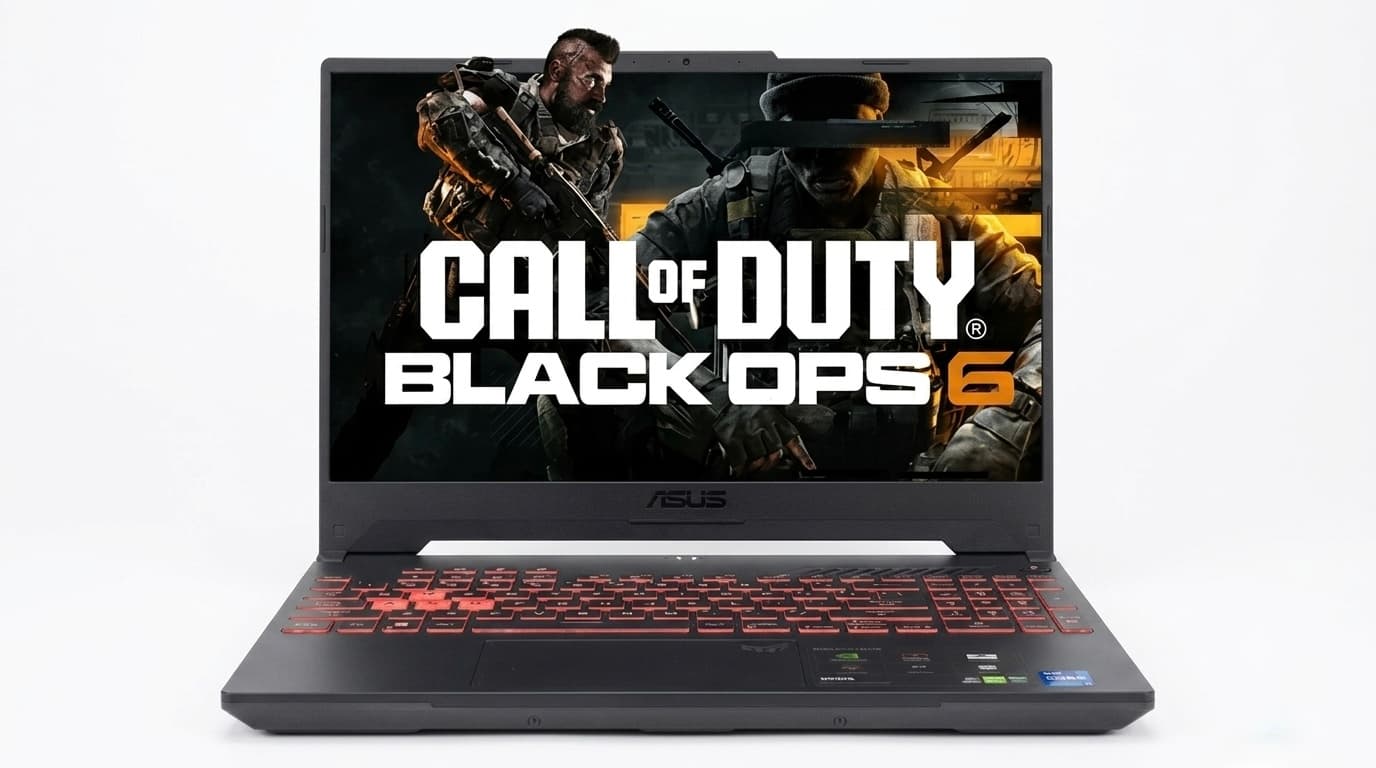
Best Budget Gaming Laptops in Nigeria 2026– Top Affordable Picks
Looking for a gaming laptop in Nigeria without spending a fortune? Here are the best budget gaming laptops for students, creators, and gamers, with current prices and buying advice.
Advertisement
728x90
Comments (0)
Leave a comment
Comments cannot be edited or deleted after posting. Please review your comment before submitting.
No comments yet. Be the first to share your thoughts!