
iOS 27 Gives the iPhone Lock Screen a Major Personalization Upgrade
iOS 27 is giving iPhone users more control over their Lock Screen with a movable clock, AI-generated wallpapers, smarter photo cropping and a way to remove Now Playing. Here's everything you need to know.

Dolapo Anifowoshe
Your iPhone Lock Screen Is About to Become Much More Personal
Apple has been gradually giving iPhone users more control over their Lock Screen, and iOS 27 takes another noticeable step forward.
The upcoming update introduces four new ways to customize the Lock Screen, including a movable clock, AI-generated wallpapers, smarter wallpaper cropping and the ability to remove the Now Playing widget without stopping your music.
For people who spend time choosing wallpapers and customizing their iPhone, these may seem like small changes. But together, they make the Lock Screen considerably more flexible.
1. You Can Finally Move the Clock
This is probably the most noticeable change.
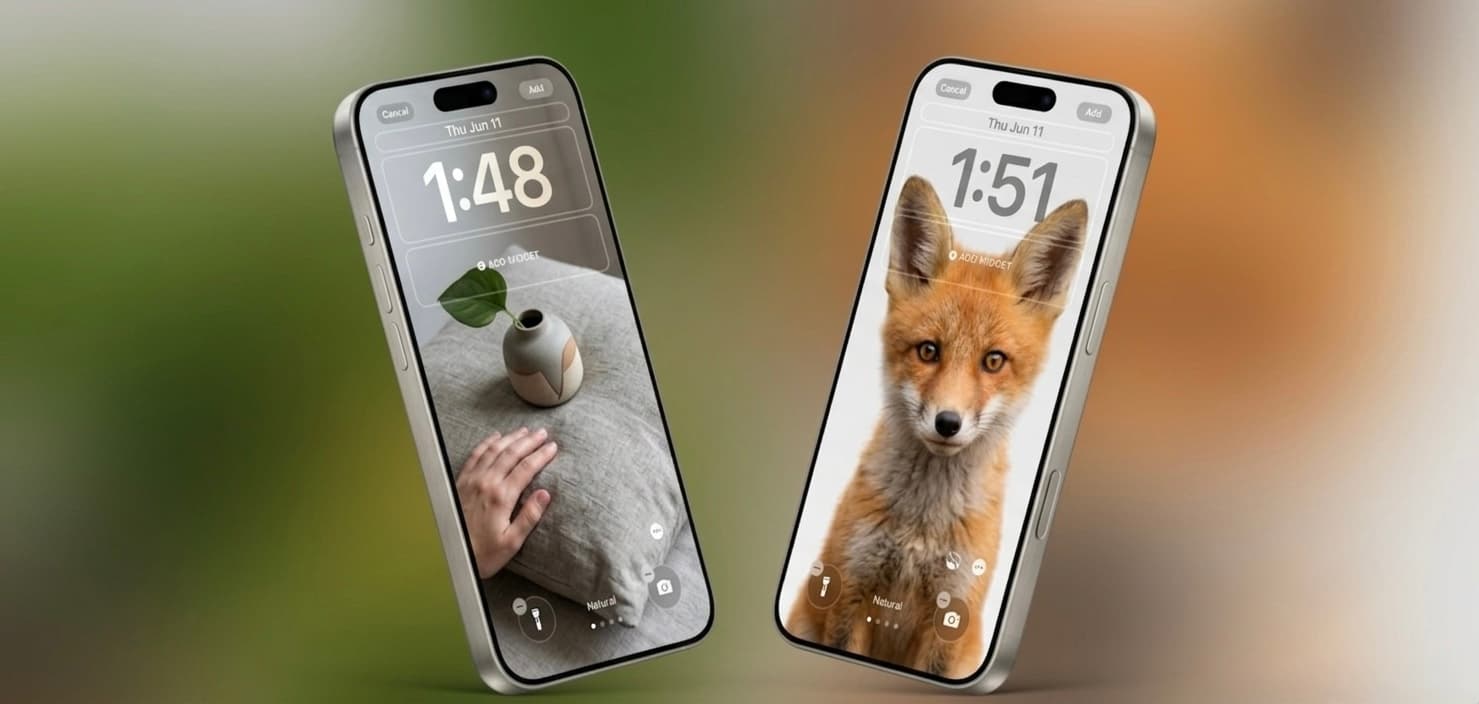
Apple has allowed users to change the appearance and size of the Lock Screen clock for several years. With iOS 27, Apple goes further by allowing the clock to be moved upward into the top widget area.
That means your wallpaper doesn't necessarily have to sit behind a huge clock in the middle of the screen.
For example, if you have a beautiful portrait photo where the subject is positioned around the centre of the image, you can move the clock higher and reveal more of the photo.
Why this matters
This is particularly useful if you like:
Personal photographs
Celebrity wallpapers
Football wallpapers
Car wallpapers
Travel photos
Minimalist wallpapers
Instead of allowing the clock to cover the important part of the image, you have more control over the layout.
2. AI Can Create Your Lock Screen Wallpaper
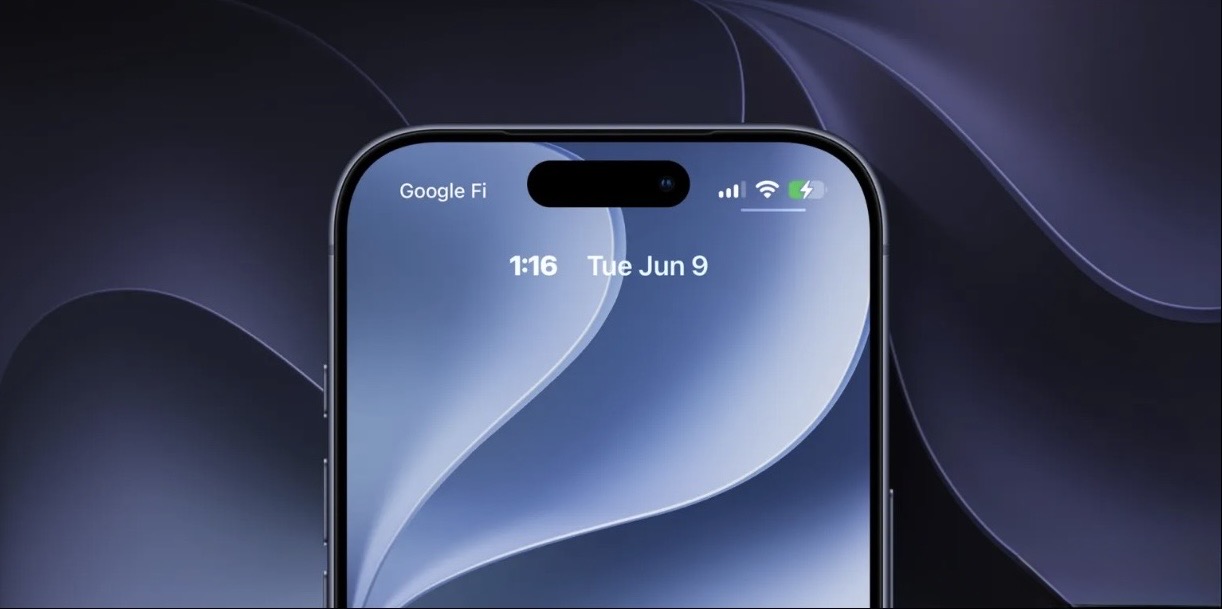
Apple is also bringing more of its Image Playground capabilities directly into Lock Screen customization.
With iOS 27, you can access Image Playground from the wallpaper picker and use it to create a stylized wallpaper from your photos or generate something completely new by describing what you want.
Imagine typing:
"A futuristic Lagos skyline at night with neon lights."
Or:
"A minimalist African sunset over the Atlantic Ocean."
The system can generate a wallpaper based on your description.
You can also turn existing photos into different artistic styles, including options such as Retro Illustration and Animation.
3. Your Wallpaper Can Now Be Extended
Ever downloaded a beautiful picture only to discover that it doesn't fit your iPhone's screen properly?
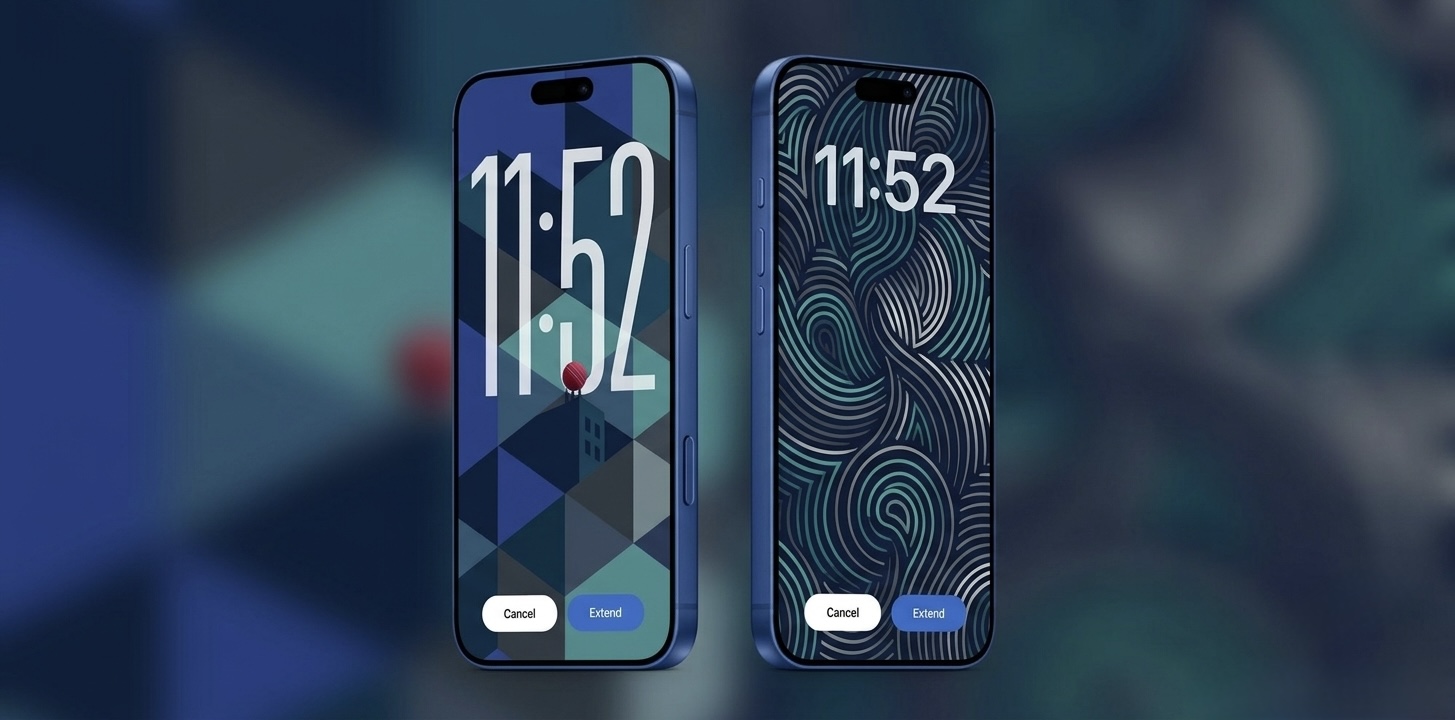
iOS 27 introduces an Extend option that can use AI to generate additional content around the edges of an image.
This means that instead of aggressively cropping a photo to fit your Lock Screen, iOS can intelligently expand the image.
For example, a landscape photo that is too short vertically could potentially have additional sky or background generated around it.
This should make it much easier to turn ordinary photographs into properly fitting iPhone wallpapers.
4. You Can Hide the Now Playing Widget
Here's another small feature that could make a surprisingly big difference.
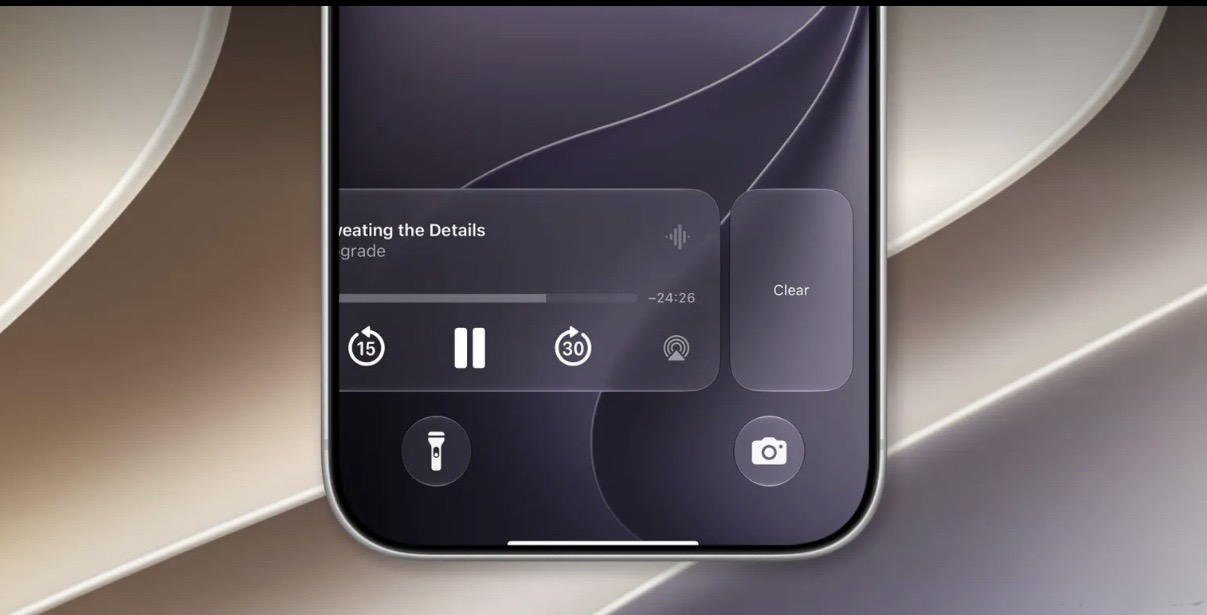
If you're listening to music or a podcast, iOS traditionally displays a Now Playing control on the Lock Screen.
With iOS 27, you can swipe the Now Playing widget away while your audio continues playing in the background.
This is useful if you don't want music controls taking up space on your Lock Screen.
It's also handy for people who accidentally tap the Now Playing interface when trying to interact with notifications or other Lock Screen elements.
What Does This Mean for iPhone Users in Nigeria?
At first glance, Lock Screen customization might not seem particularly important.
But smartphone personalization is becoming a bigger part of how people use their devices.
In Nigeria, where people often personalize their phones with:
Family photos
Football teams
Artists
Cars
Inspirational quotes
Religious artwork
Nigerian landscapes
Afrobeats artists
the ability to create and position wallpapers more freely could be a welcome improvement.
And because the wallpaper-generation features use Apple's AI tools, users won't necessarily need a separate wallpaper-generation app for every customization.
Is iOS 27 Available Yet?
Yes, but there's an important distinction.
At the time of writing, iOS 27 is available to developers and public beta testers, while Apple plans to release the finished version to everyone later in 2026.
If you're not comfortable running beta software, it's better to wait for the stable public release.
Beta versions can contain bugs and unfinished features, so installing them on your main iPhone isn't always a good idea.
Should You Upgrade to iOS 27?
If Lock Screen customization is important to you, iOS 27 is one of Apple's more interesting personalization updates.
However, I wouldn't recommend installing the beta solely for these features.
If you're using your iPhone for work, banking, business or everyday communication, waiting for the stable release is the safer option.
Once the public version arrives, these features will be particularly useful for anyone who enjoys customizing their iPhone without relying heavily on third-party wallpaper applications.
Frequently Asked Questions
Can I move the iPhone Lock Screen clock in iOS 27?
Yes. iOS 27 allows the clock to be moved upward into the top widget area, giving users more freedom over the wallpaper layout.
Can iOS 27 create wallpapers with AI?
Yes. Image Playground can be accessed from the wallpaper picker, allowing users to generate stylized wallpapers or create images from natural-language descriptions.
Can I remove Now Playing from the Lock Screen?
Yes. You can swipe away the Now Playing widget while continuing to listen to your music or podcast.
Is iOS 27 available for everyone?
Not yet. At the time of this article, it is available to developers and public beta testers, with the general release expected later in 2026.
Final Thoughts
Apple isn't completely reinventing the iPhone Lock Screen with iOS 27, but the company is finally giving users more freedom over something they interact with every day.
The ability to move the clock, generate wallpapers with AI, extend images to fit the display and remove Now Playing gives the Lock Screen a more personal feel.
For iPhone owners who have complained that Apple's customization options have always been too restrictive compared with Android, these changes are a step in the right direction.
And with Apple continuing to bring more Apple Intelligence features into everyday parts of iOS, the Lock Screen could become even more customizable in future updates.
One thing is clear: your iPhone wallpaper is no longer just a picture sitting behind the clock.
Advertisement
Responsive
Related Articles
Apple's iCloud Private Relay May Not Fully Hide Your IP Address, Researchers Warn
Security researchers say Apple's iCloud Private Relay may expose a user's real IP address under certain conditions. Here's what the issue means, who's affected, and whether you should be worried.
Upgrading from iPhone XR to iPhone 17 Pro Max? How to Spot a Fake Before You Pay
Upgrading from iPhone XR to iPhone 17 Pro Max? Learn how to spot a fake iPhone 17 Pro Max, check the model number, display, cameras, Face ID, USB-C and other red flags before buying.

WhatsApp Keeps Freezing on iPhone? Here's How to Fix It 2026
Is WhatsApp hanging, freezing, or crashing on your iPhone? Learn the most effective ways to fix slow WhatsApp performance, especially on 64GB and 128GB iPhones running low on storage.
Advertisement
728x90
Comments (0)
Leave a comment
Comments cannot be edited or deleted after posting. Please review your comment before submitting.
No comments yet. Be the first to share your thoughts!